
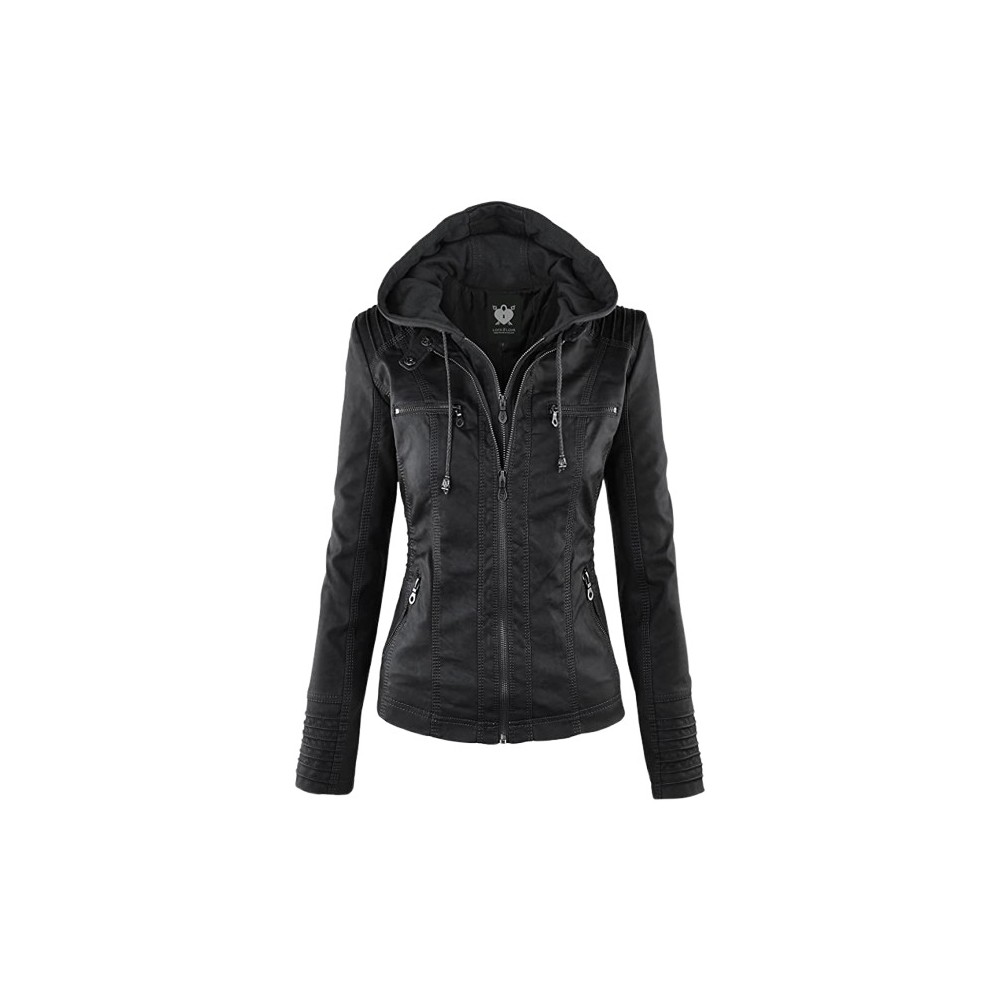
Virtual try-on
Garments from their product photo, fitted to the body and moving with it.
Point a camera, describe a change or show a product photo, and Beehive restyles every frame while the person keeps moving. No app, no 3D models, no rendering wait.
What Beehive edits
Each change comes from a sentence, a reference picture, or both. They all run on the same live stream.
Garments from their product photo, fitted to the body and moving with it.
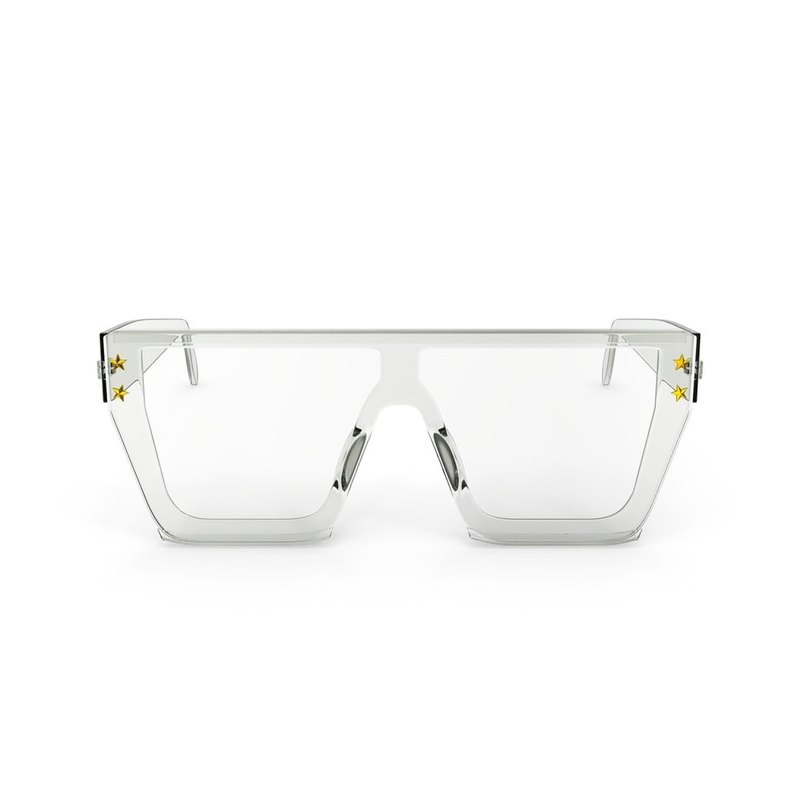
Glasses, earrings, caps and watches that stay in place as the head turns.
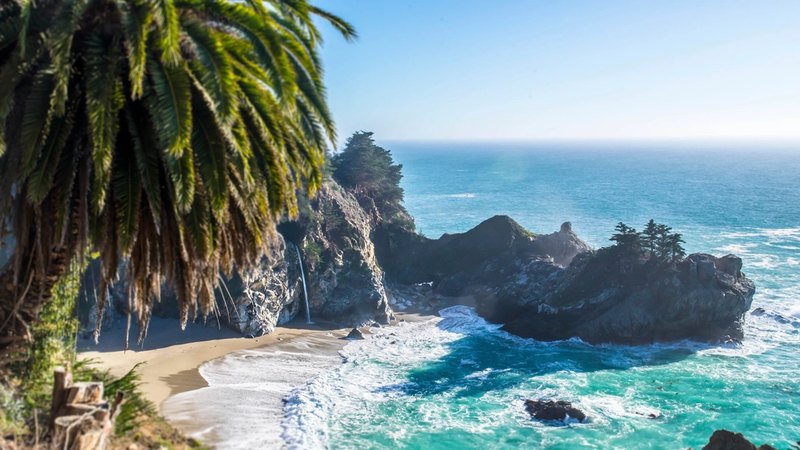
A new place behind the person, lit to match, while they stay in the frame.
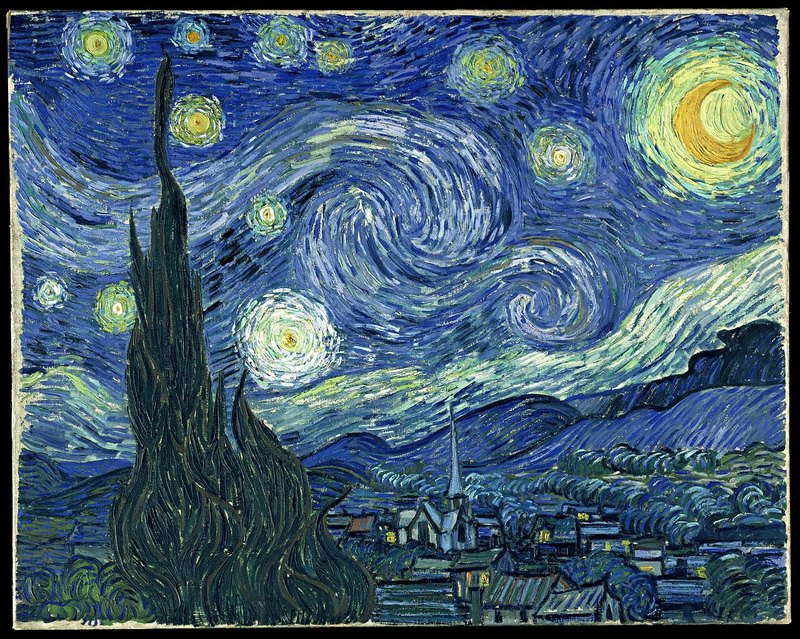
Painting, anime, pixel art or animated-film looks applied to live video.
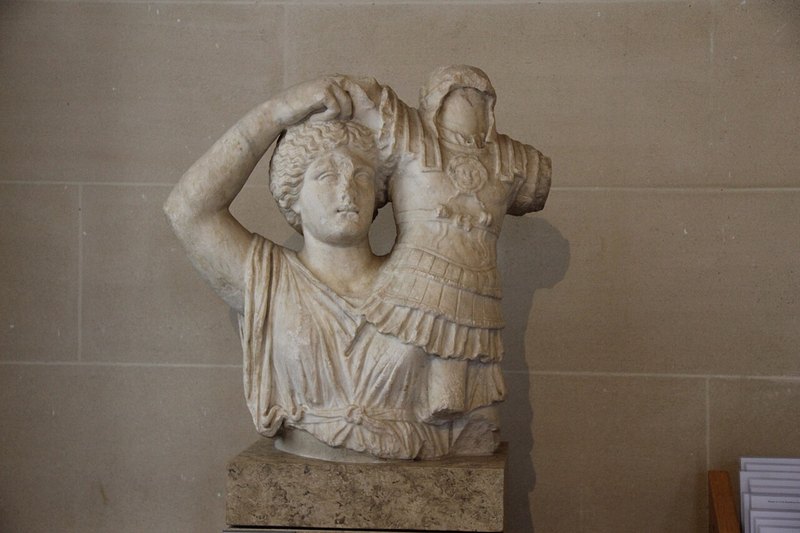
Marble, clay, metal or toy bricks, keeping every movement.
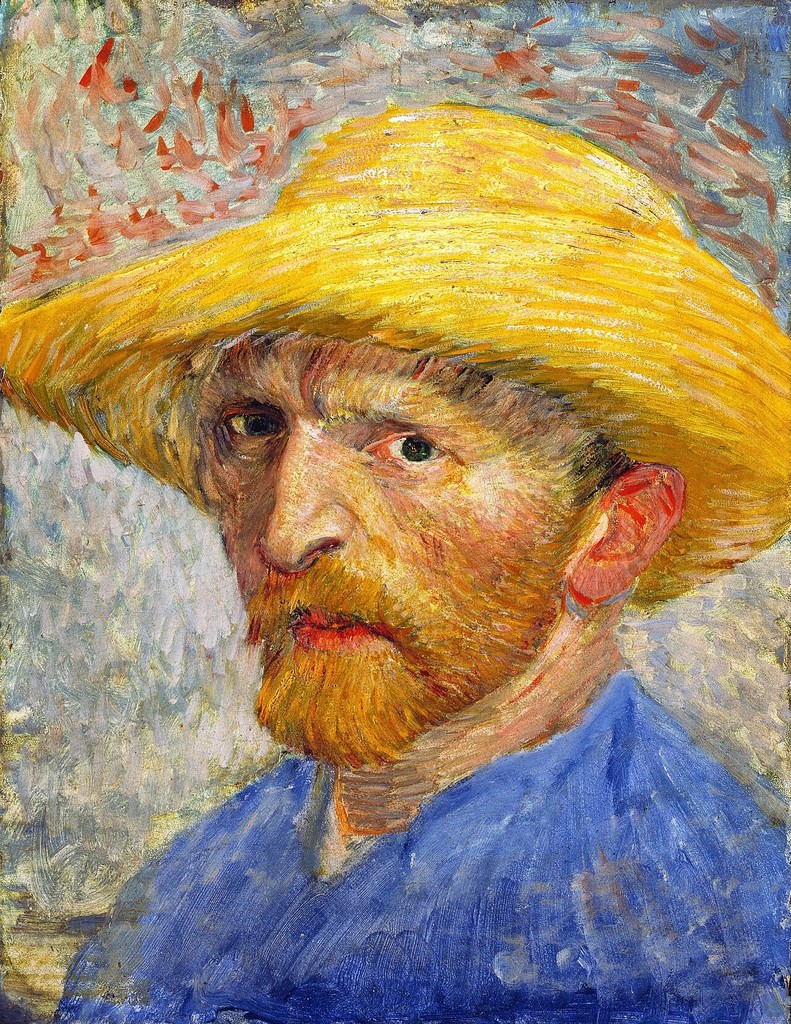
Become the character in a reference picture while keeping your own motion.
Performance
These figures come from our own deployment on a single 96 GB GPU. Faster and cheaper versions are on the roadmap.
2.7 s
from camera on to the first edited frame
18 fps
sustained live stream
960×552
output resolution
2 steps
of generation per chunk of video
Ways to use it
Commerce, Art and Creator modes in one page, on desktop or phone.
Open the studio arrow_forward storefrontOne script tag adds a Try-On button to every product photo on your store.
Read the guide arrow_forward terminalA key, a short-lived pass and one WebSocket stream in and out.
See the API arrow_forwardUnder the hood
Beehive generates video one short chunk at a time, looking only at what it has already seen. That is what lets it answer a live camera instead of a finished file.
Explore the architecture arrow_forwardA browser and a camera. The model runs on our GPUs; your device only sends camera frames and shows the result.
For try-on, scene and accessory edits, yes: the instruction asks Beehive to change only the item and keep the face, body and motion. Character and style edits change the look on purpose.
Clothing and glasses work well. Fine jewellery works best with a close camera framing and a photo of the piece being worn, because small details have few pixels at 960×552.
Yes. A small adapter can be trained on a brand's own photos and videos, with their permission, to improve fit, colour and steadiness for their catalogue.