
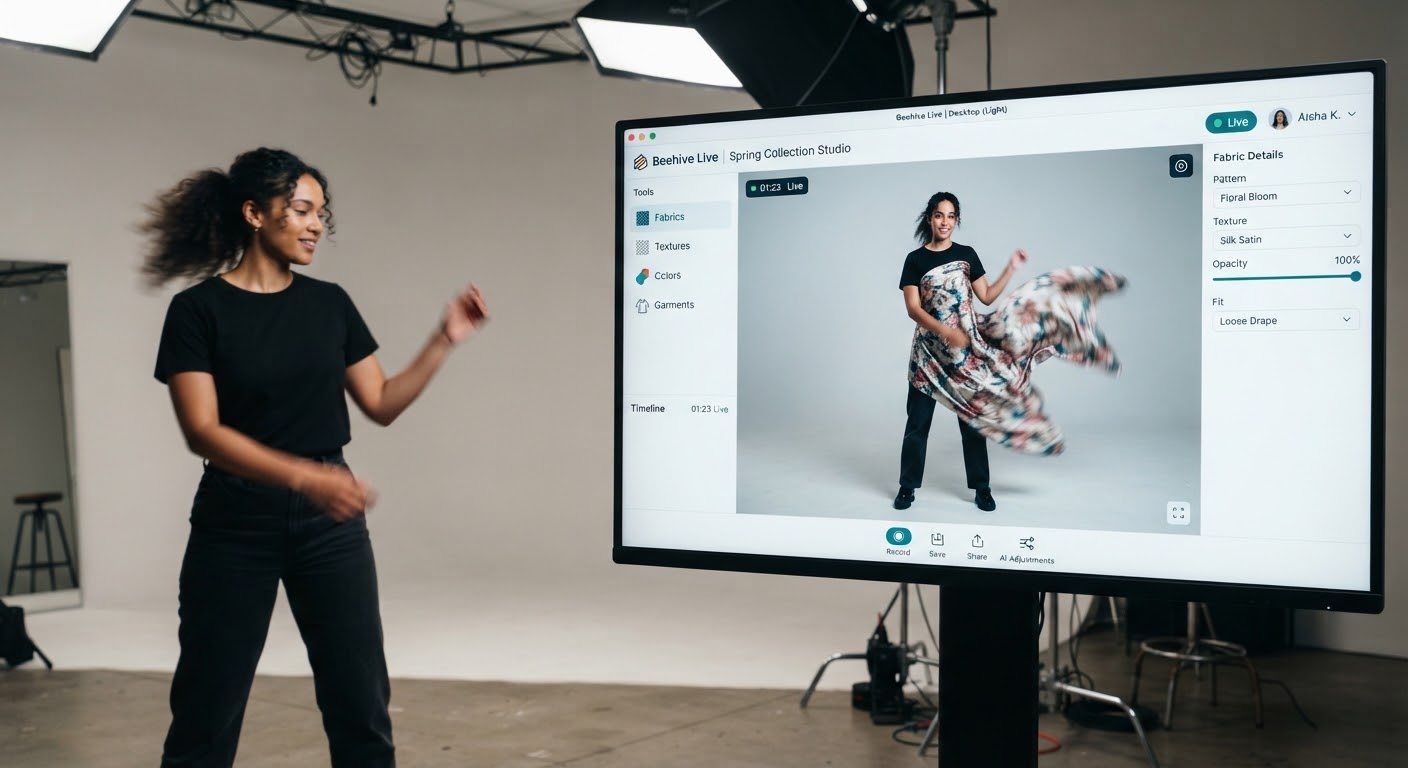
Mirror display in the shop
A screen by the fitting rooms lets shoppers try the whole rail without changing, including colours that are out of stock.
Five places where editing video while it is being filmed pays off: for shoppers, sellers, broadcasters, trainers and the people keeping streams safe.
Background: concept video.
01 · Virtual try-on
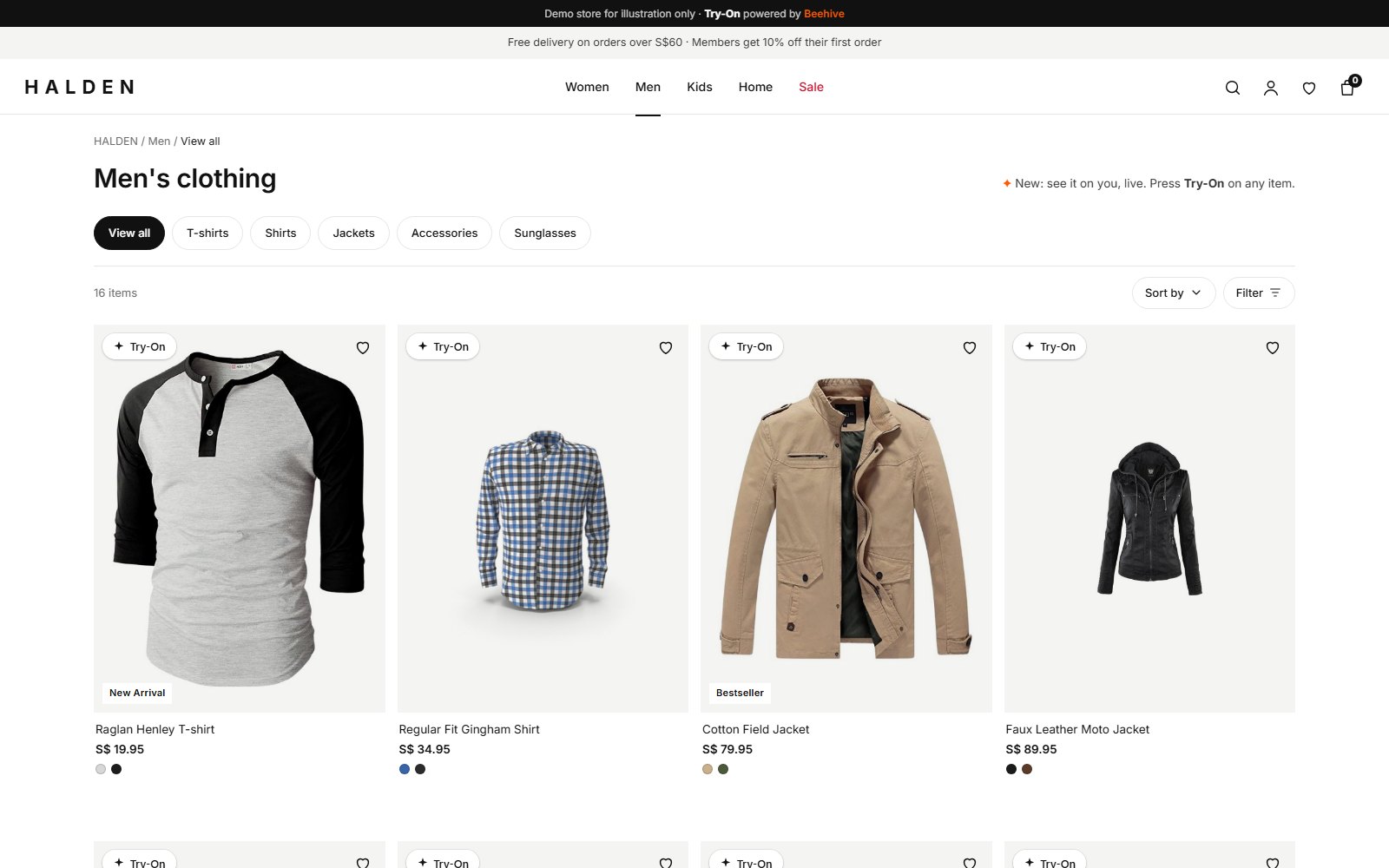
One script tag adds a Try-On button to each product photo. The shopper turns on their camera and sees the item on themselves, beside the listing they were already reading.
For your brand
Your pages, your products, your checkout. Beehive adds a fitting room without taking the shopper anywhere else.
A small button sits on the photos you choose: on the listing grid, on the product page, or both.
A floating panel opens on your page. Price, sizes and the add-to-cart button stay in view, so the next step is buying.
Your product photo is the reference. The shopper moves, turns and sees the piece follow them at 18 frames a second.
Setup
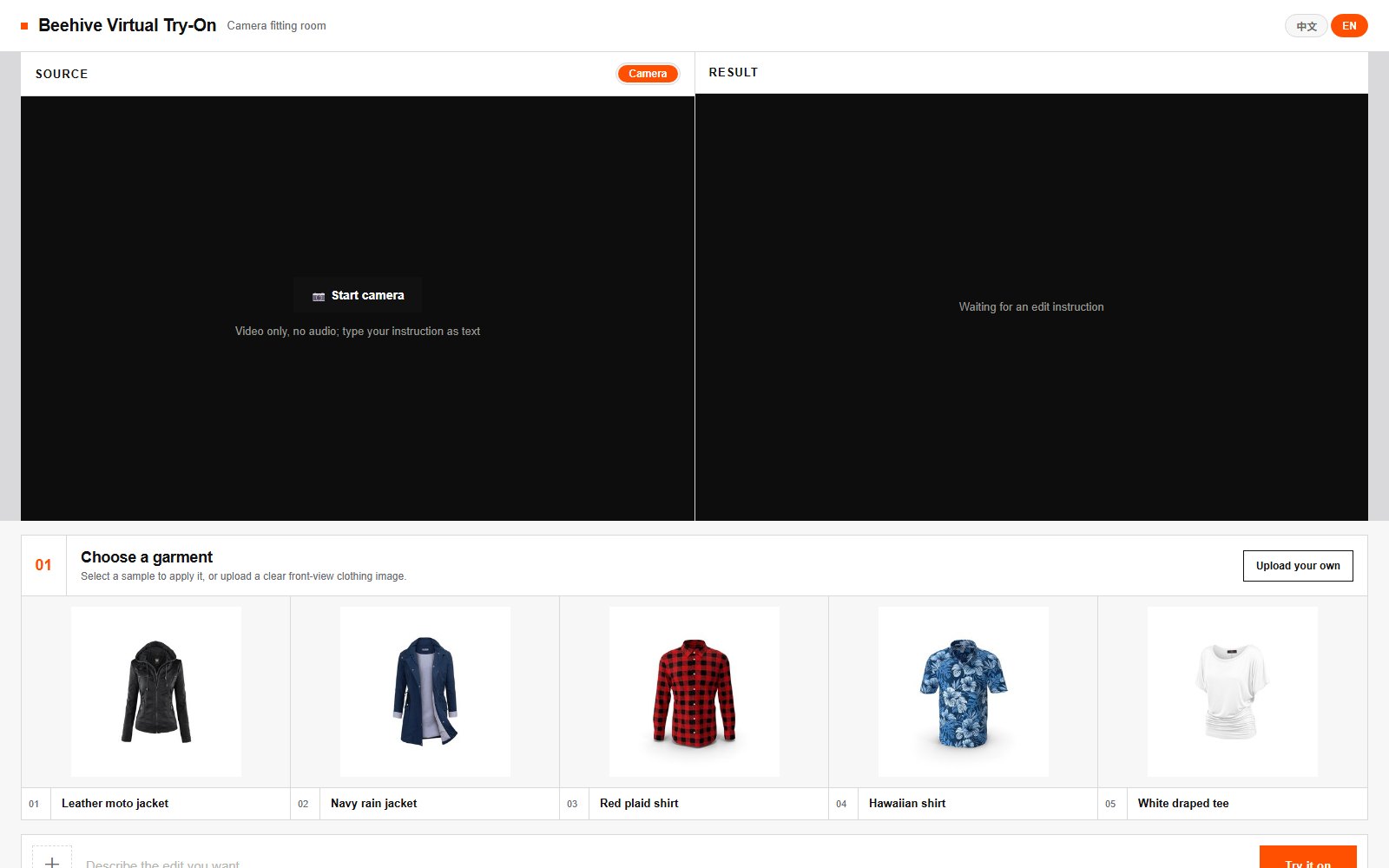
No app to install, no 3D models, no catalogue upload. If you can add a script to your theme, you can add Try-On.
STEP 1
We issue one for your domain when your pilot starts. It only works on your site and can be switched off at any time.
Request a key arrow_forwardSTEP 2
Just before </body>, on every page:
<script src="https://beehive-live.vercel.app/embed/tryon.js"
  data-key="YOUR_SITE_KEY" async></script>
STEP 3
data-selector=".product-gallery img" to the script.data-beehive-tryon to the images you pick.Works on Shopify, WooCommerce, Magento or a custom site: anywhere you can edit the theme's HTML. Full options are in the documentation.
Your control
A clear front view on a plain background works best. For small pieces, add a photo of the item being worn.
30 seconds by default, with a Resume button. Change it with data-session-seconds, so cost follows real use.
For the best fit and detail, we can train a small adapter on your own products, with your permission.
Camera video is processed to make the live view and is not kept. No account or app needed.
01 · Virtual try-on · more examples
The same live mirror works wherever there is a camera and a screen.
A screen by the fitting rooms lets shoppers try the whole rail without changing, including colours that are out of stock.
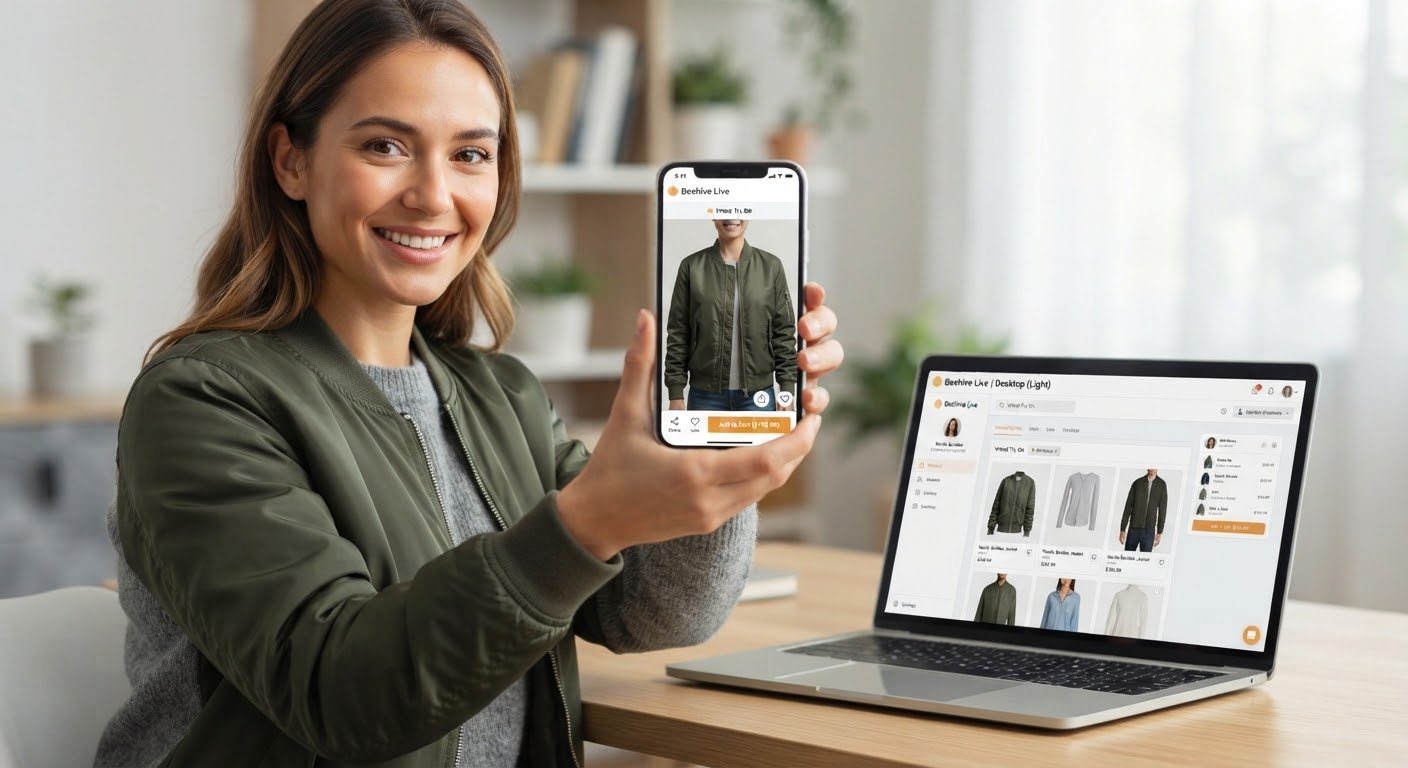
From the product page on a phone or laptop, with no app and no account.
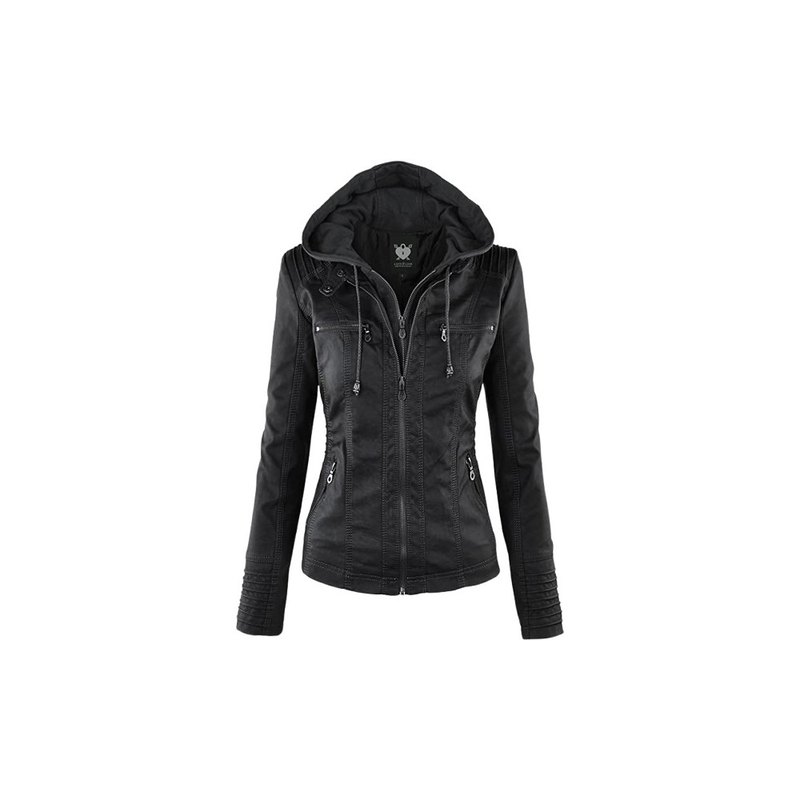
Jackets, shirts, dresses and traditional wear, following the shopper as they turn.
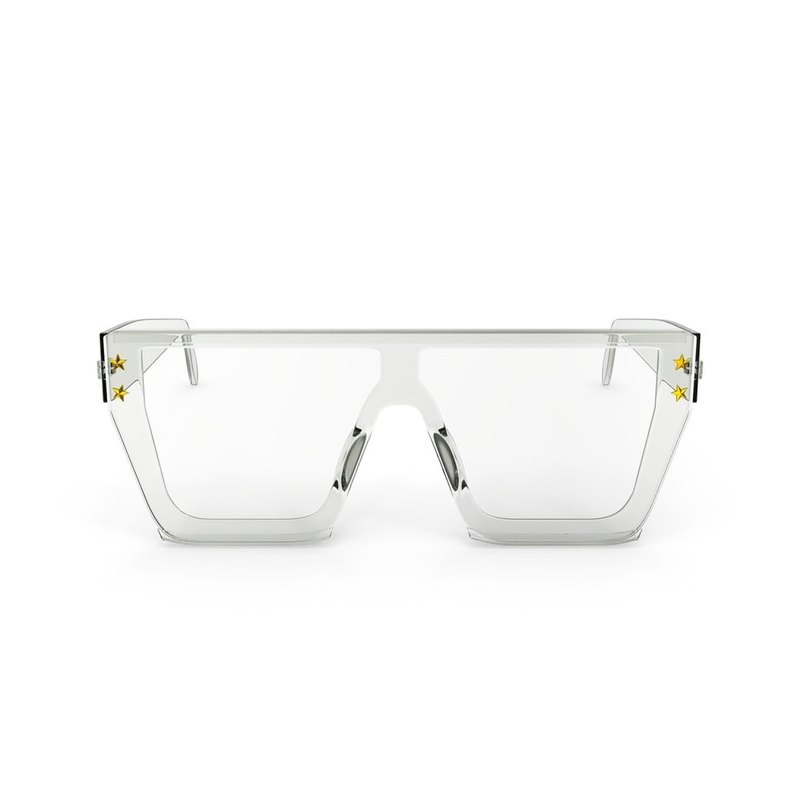
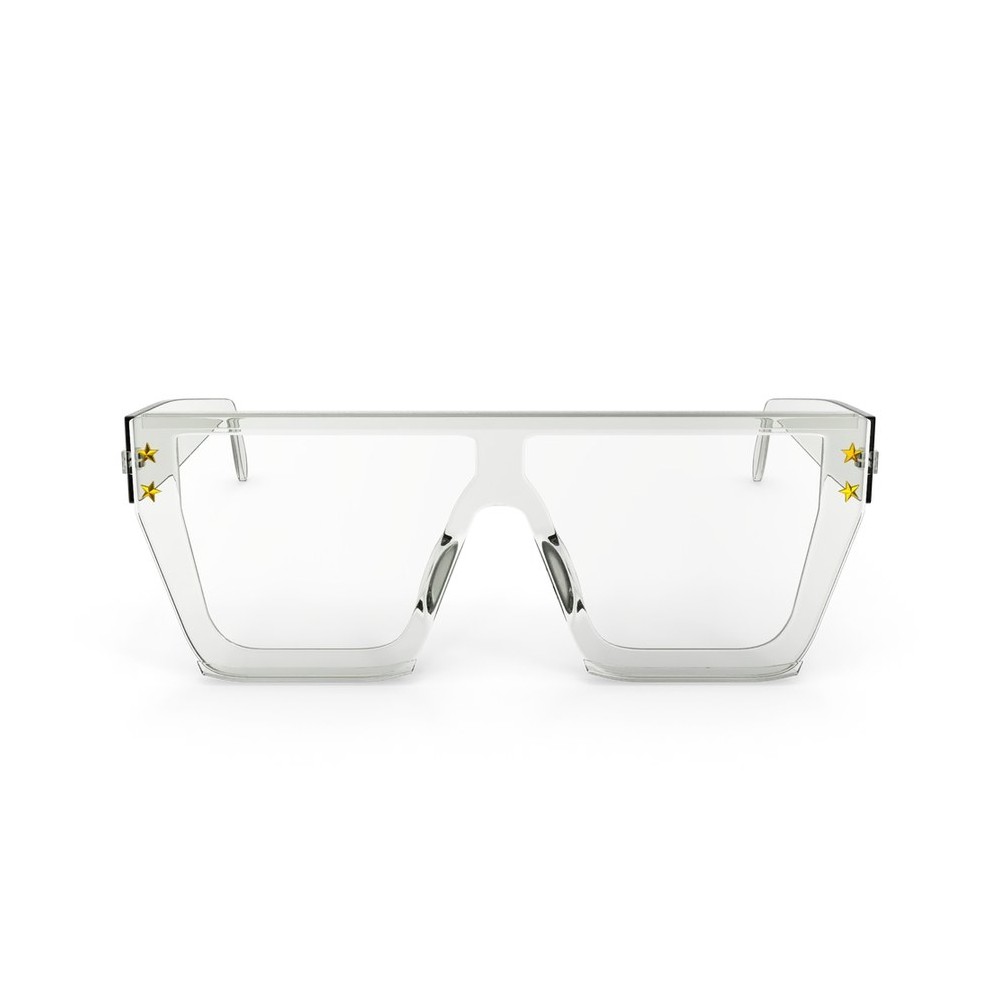
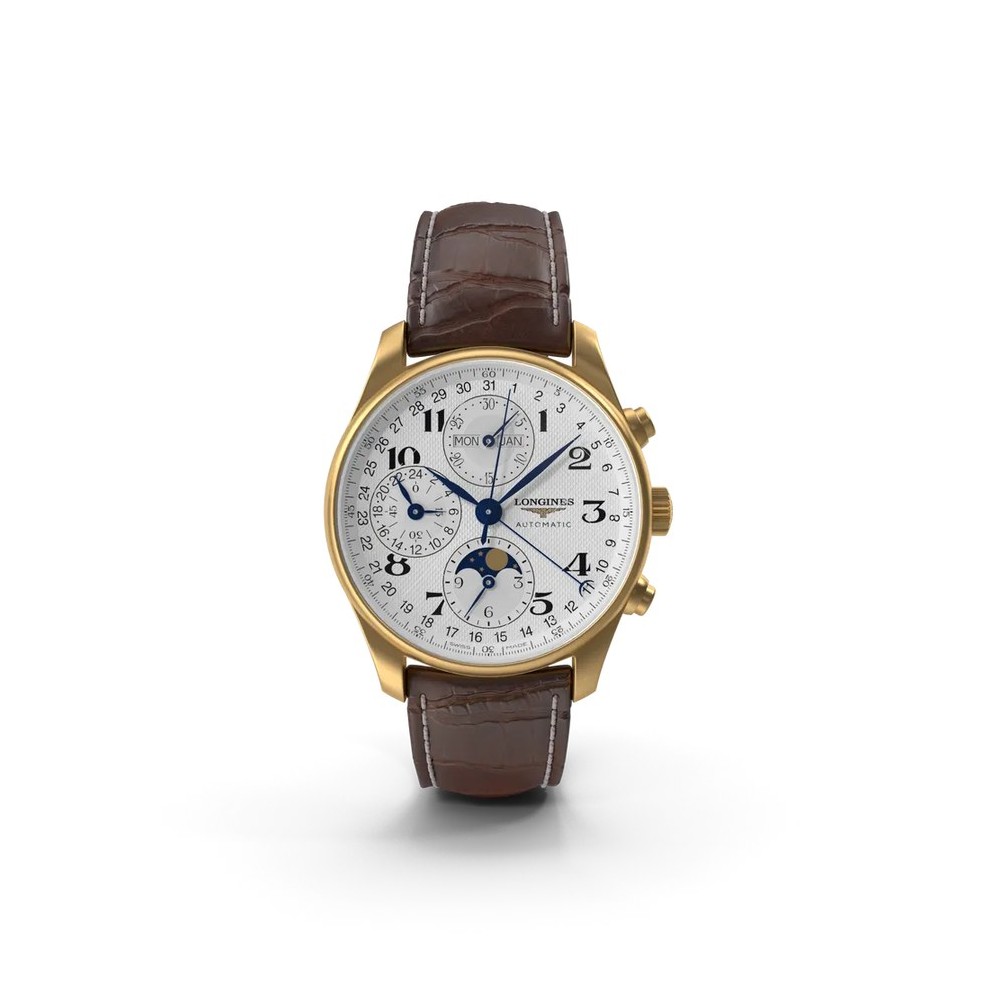
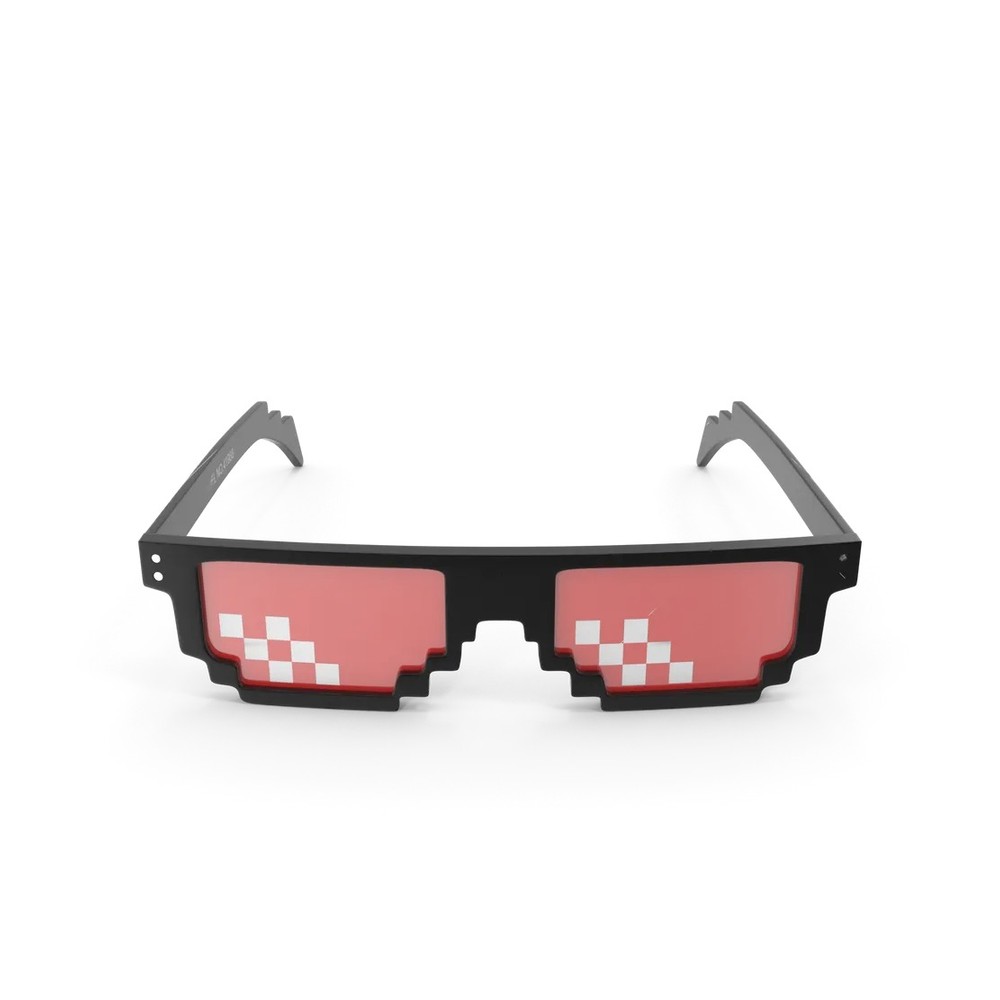
Frames, hats and masks stay on the face as the shopper moves, so size and colour can be judged like a mirror.
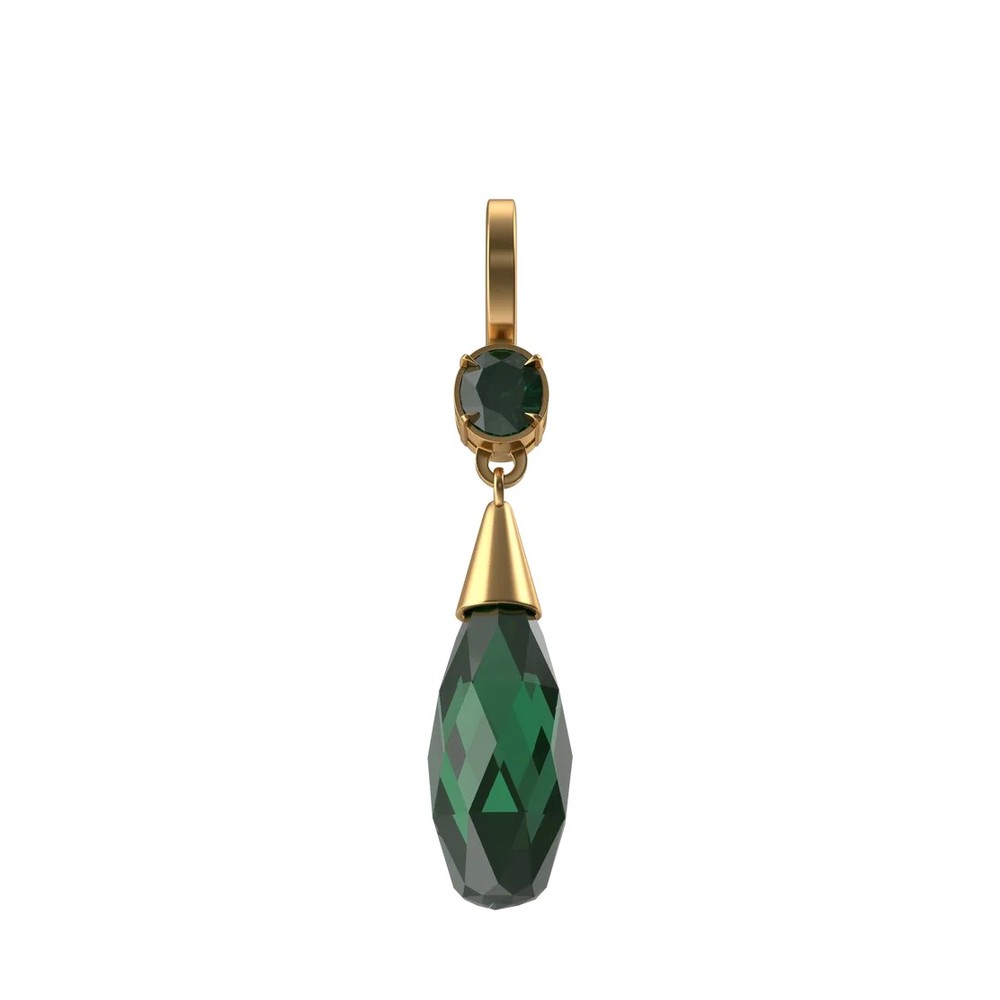
Earrings, rings and watches are the hardest case: a product photo has no sense of size. A photo of each piece being worn shows Beehive its true scale, and a small adapter trained on a brand's own products improves it further.
02 · Live commerce
A host swaps outfits, changes the backdrop or restages a product on air, without leaving the frame or stopping the stream. Viewers ask for the next item and see it seconds later.
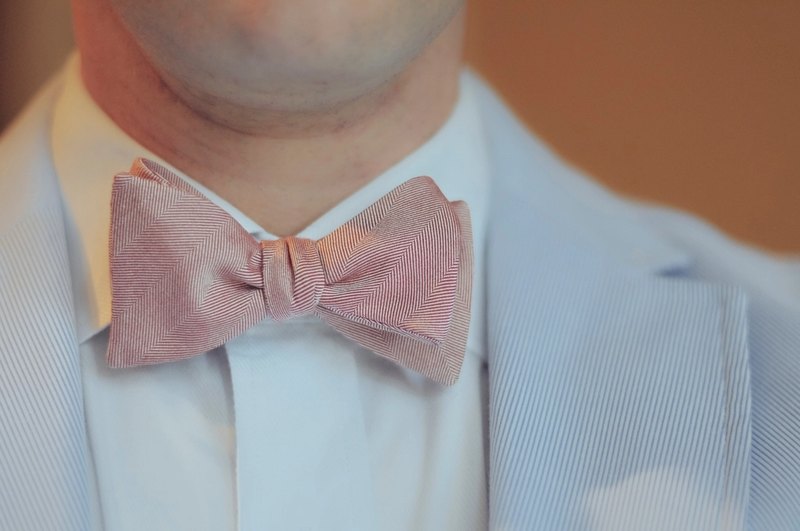
The host picks the next look from the product rail and is wearing it a few seconds later.

Swimwear on a beach, coats in the snow: the set matches the product, from one small studio.
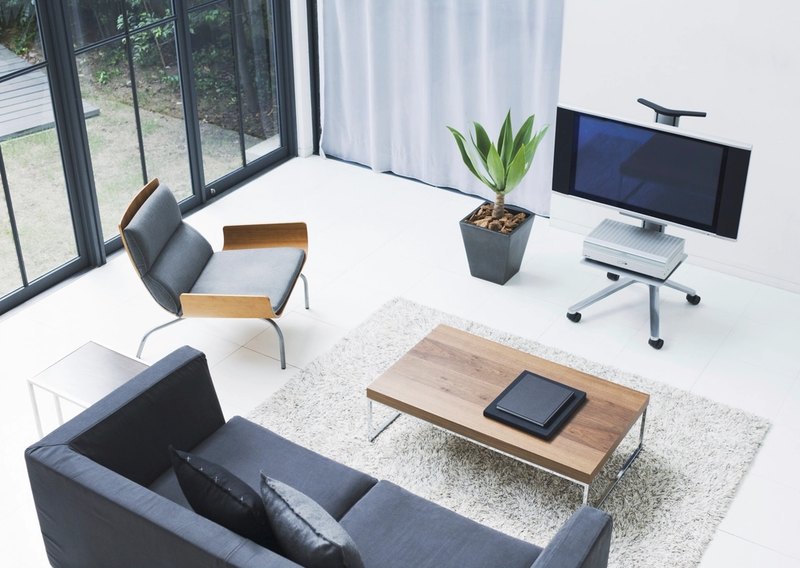
Show a lamp or a sofa in a living room instead of on the studio table.
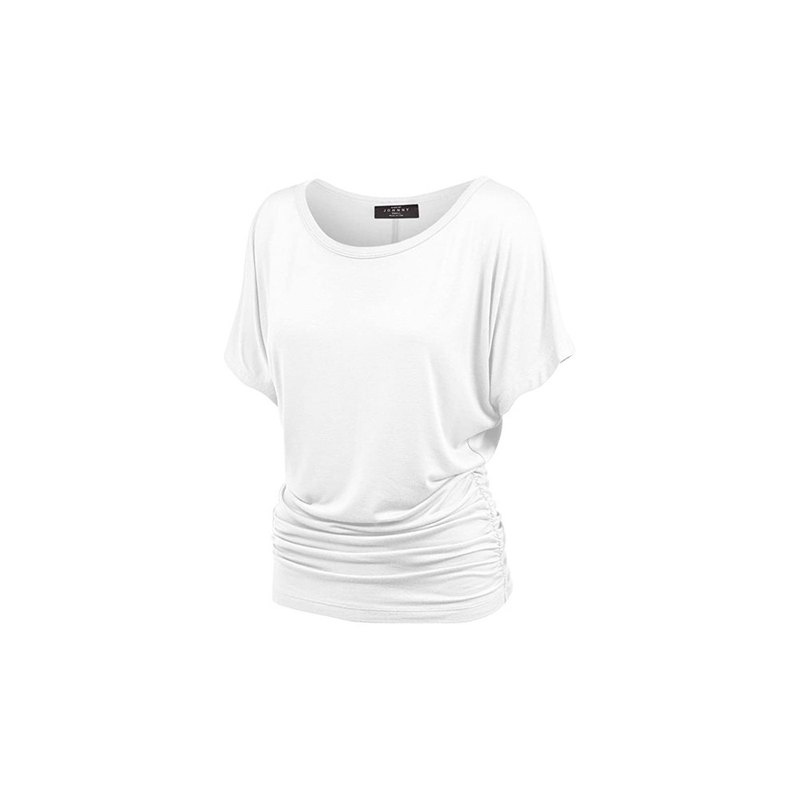
"Show it in white." The host types it and the stream changes while the chat keeps going.
03 · Broadcast & creators
Producers and streamers change the look of a live feed while it is on air: a new art style, a prop on the host, a different character, or one feed adapted for several audiences.
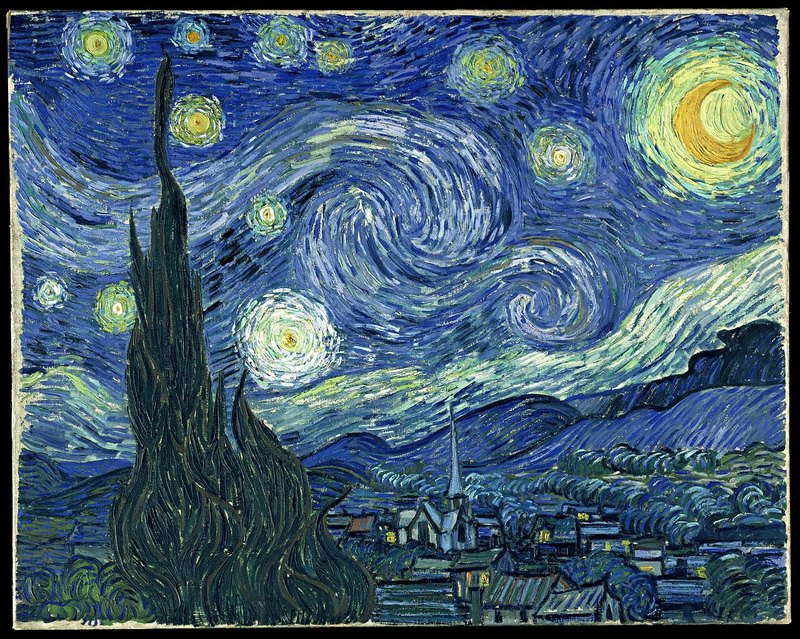
Turn the feed into an oil painting, a pixel-art game or 3D animation for a segment, then back.
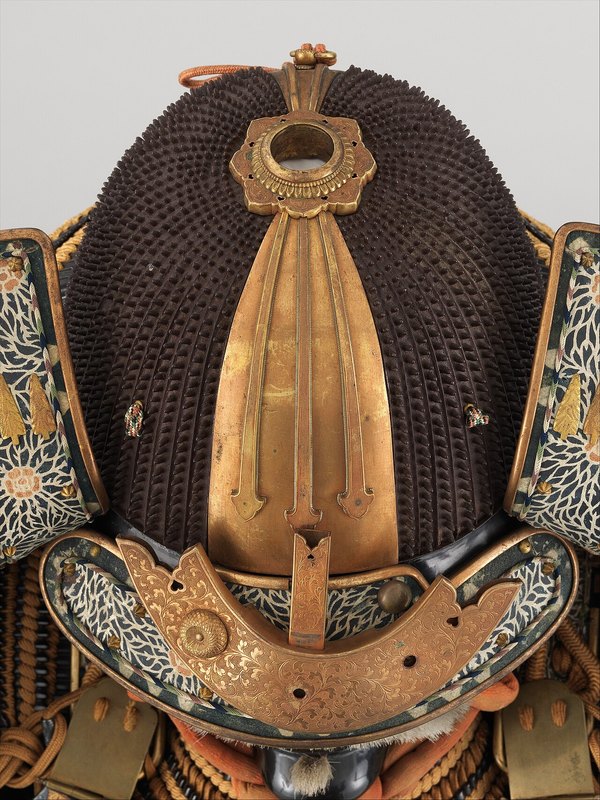
A streamer plays an armoured hero or a mascot, keeping their own movement and expressions.
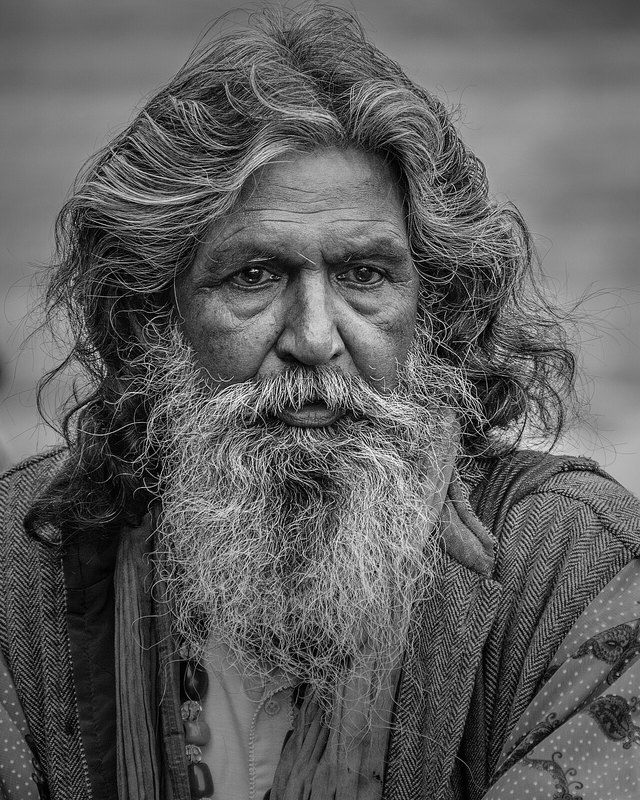
Glasses, a beard, earrings or a hat appear on cue, with no costume change.
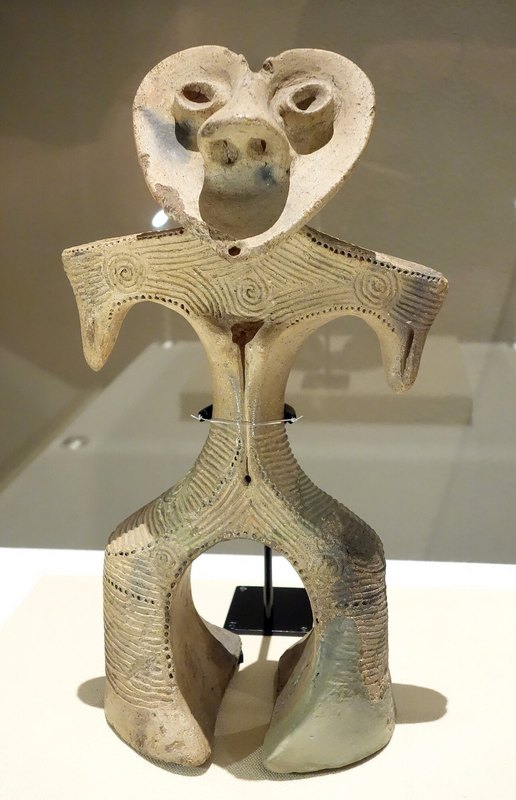
Claymation, marble or toy bricks for a title sequence or a sponsor moment.

The same presenter in a different setting for each market or sponsor, from a single camera.

Effects people choose and change mid-video, without recording first and editing later.
04 · Education & training
A trainer moves a demonstration onto a factory floor or into a historical scene, live, from an ordinary room. Students see the context; the trainer keeps teaching.
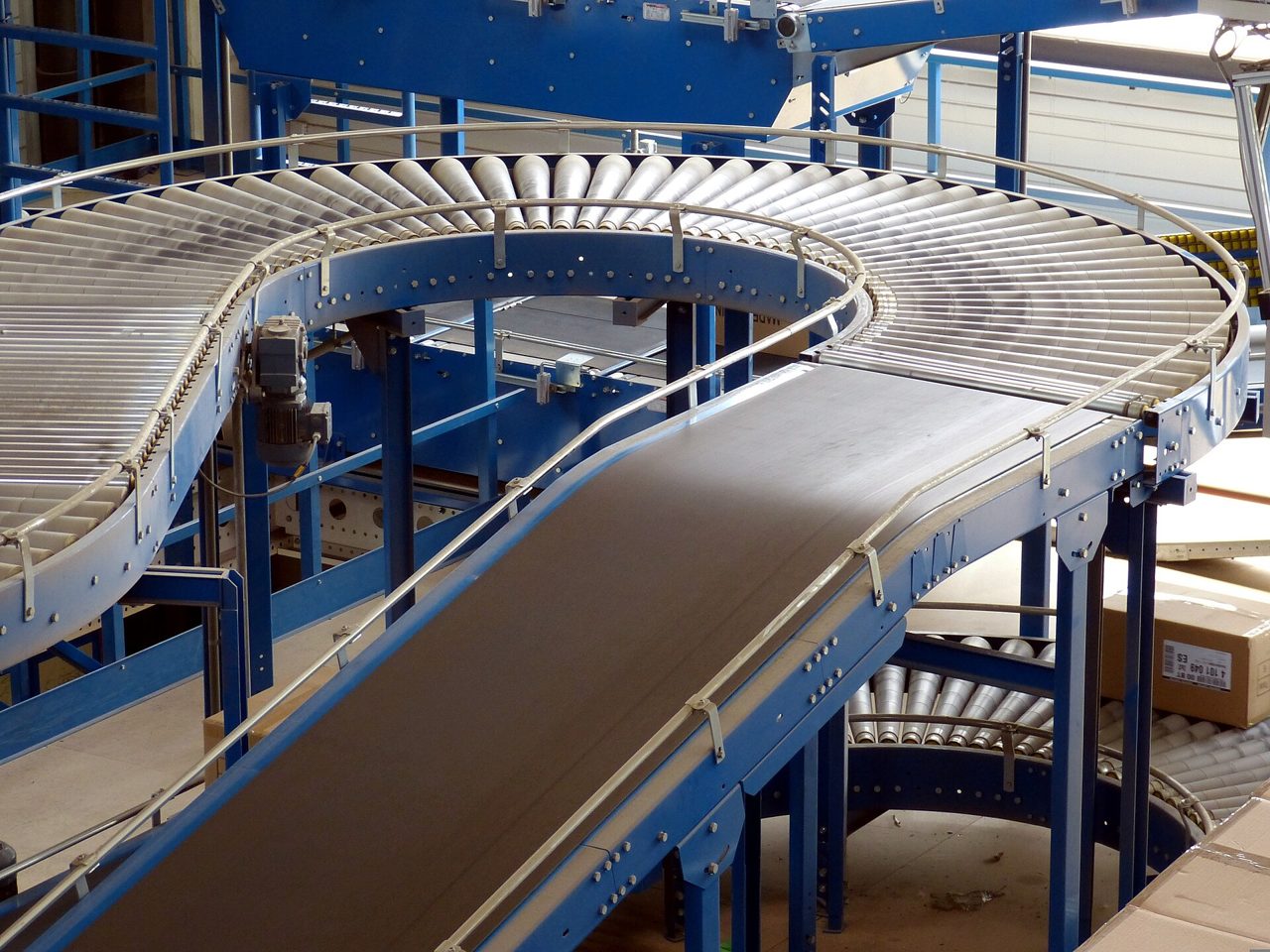
Walk new staff through a line or a site that is loud, remote or unsafe to visit.
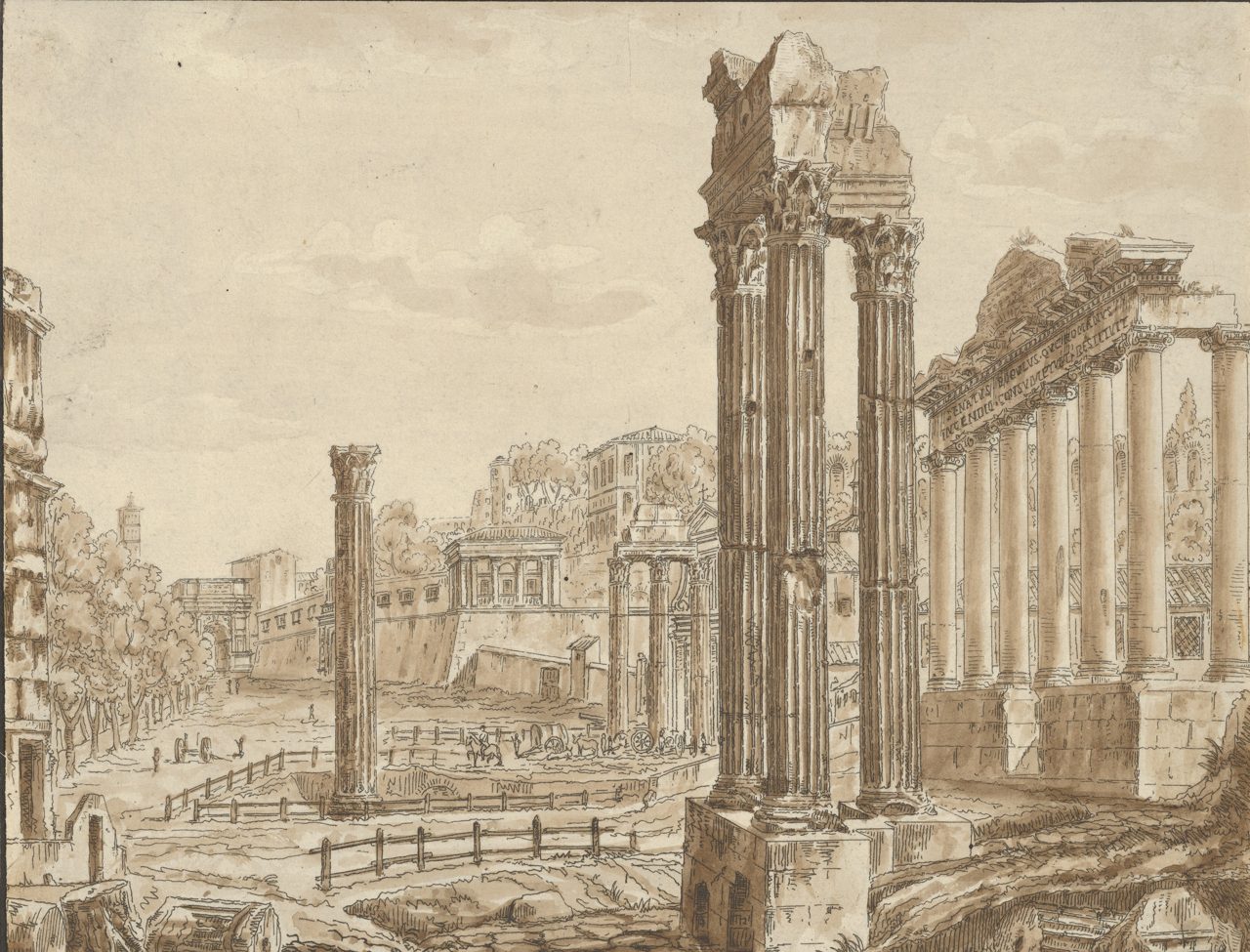
Teach from a Roman street or a Ming court, in costume if the lesson calls for it.
Practise ordering in a market or checking in at a hotel, with the scene behind you.
Show a new collection on a presenter before the stock arrives in store.
05 · Live content safety
Unwanted content is blurred or replaced before it reaches viewers, while the stream keeps running. No delay loop, no black screen, no restart.
Virtual try-on, live commerce and broadcast effects run today in the live studio and the store embed. Education works today using background change, and we are looking for pilot partners. Live content safety is in research and not yet in the product.
Tops, jackets, dresses and glasses work well from a single product photo. Very small or detailed items, like fine jewellery, benefit from a worn photo or a brand adapter.
Yes. Send us a product list and photos and we set up a live session with your items. Get in touch.
The studio's output can be captured as a camera source for streaming software. Direct platform integrations are part of our roadmap.